Thypoch has already started their 2026 Black Friday deals – you can see the discounted lenses on this dedicated page (some of the Thypoch deals are also available at B&H Photo):
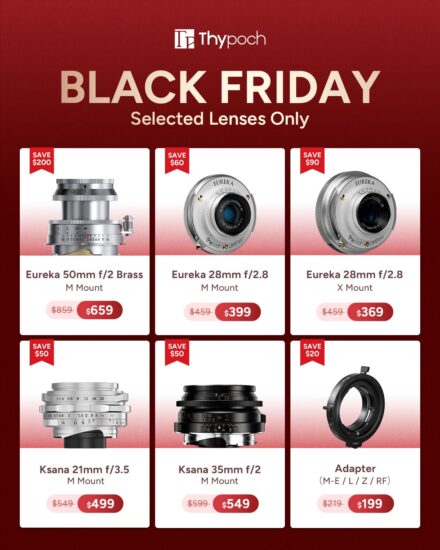
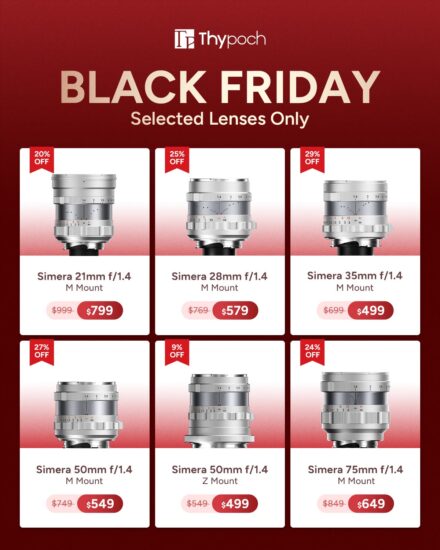
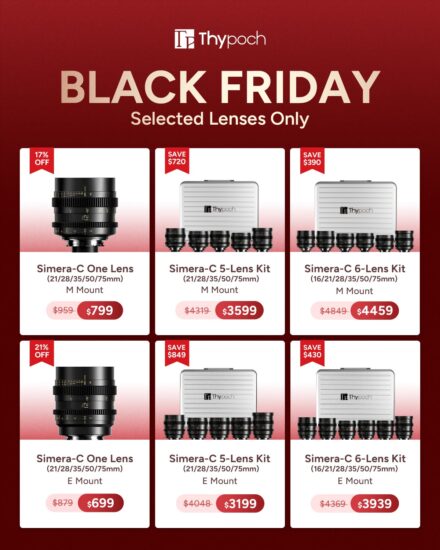


Thypoch has already started their 2026 Black Friday deals – you can see the discounted lenses on this dedicated page (some of the Thypoch deals are also available at B&H Photo):

Here is an updated list/recap of expected/rumored Leica cameras and lenses (see all previous reports here):
More Leica-related news can be found here:
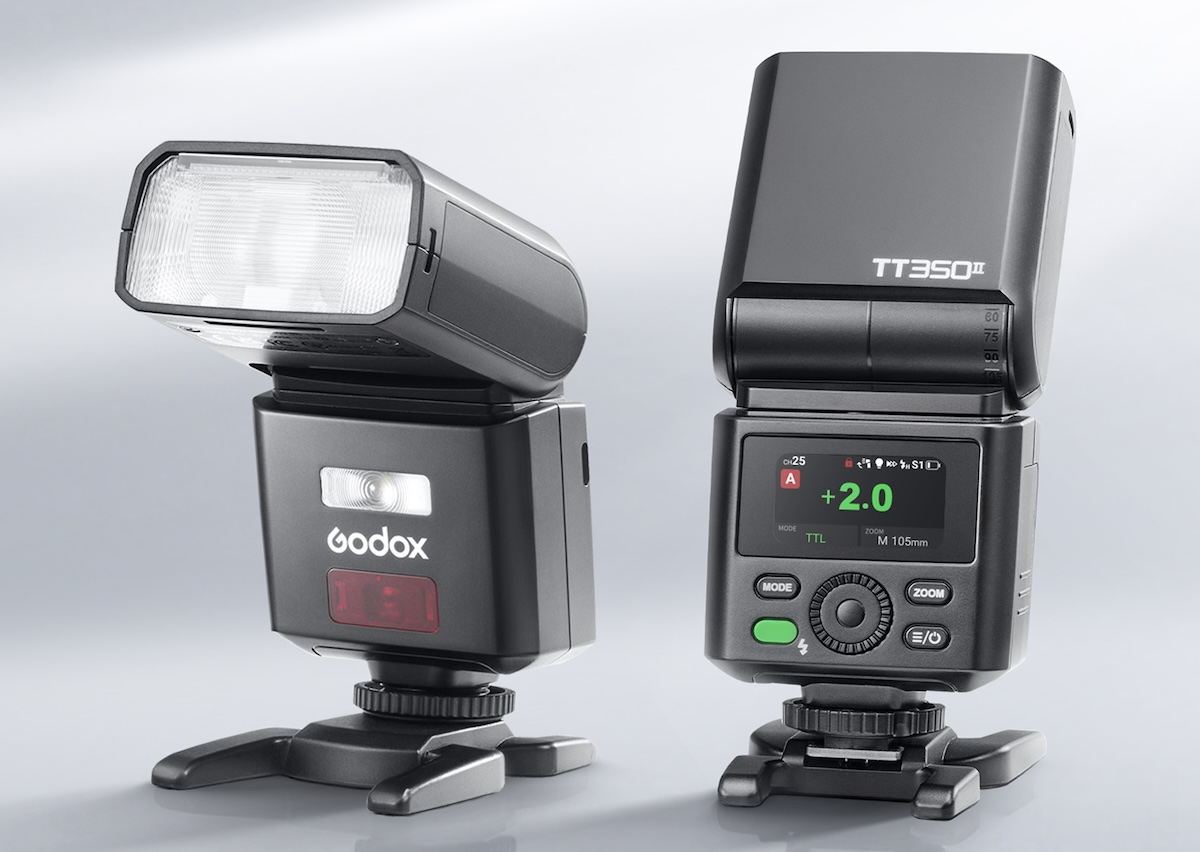
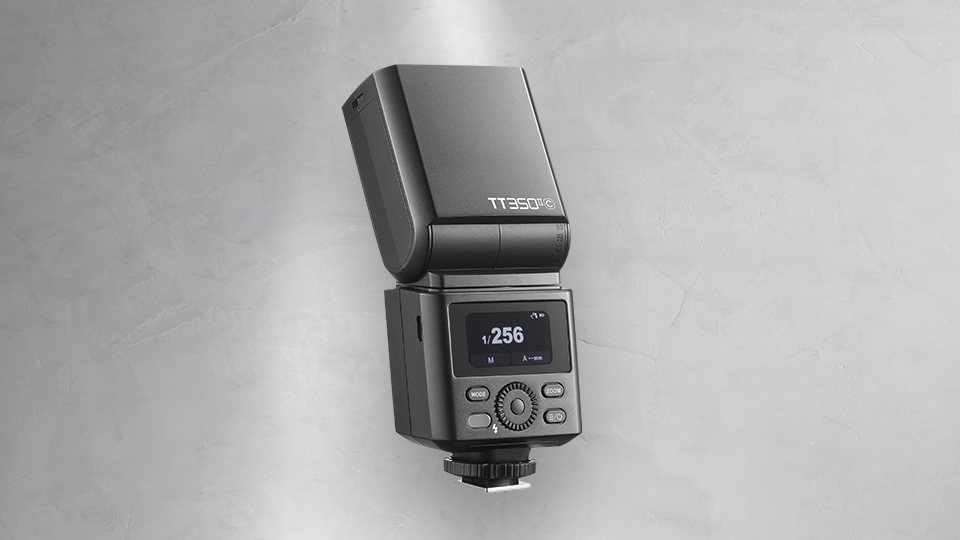
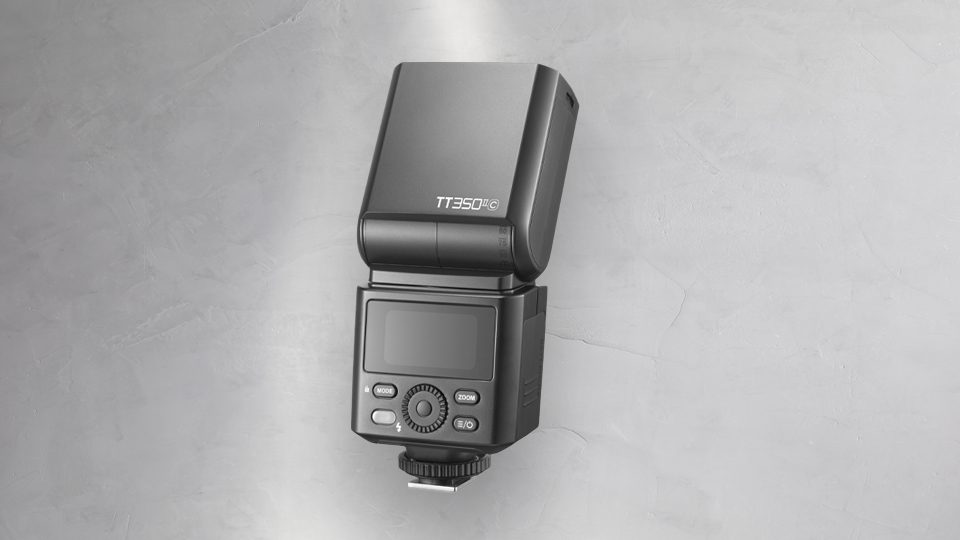
Godox announced a new, compact, and updated TT350II ThinkLite flash for Sony, Canon, Nikon, Olympus, and Panasonic cameras:
Godox is rumored to introduce a new iT32R flash based on the Godox iT32, but with a round head instead of a square one.
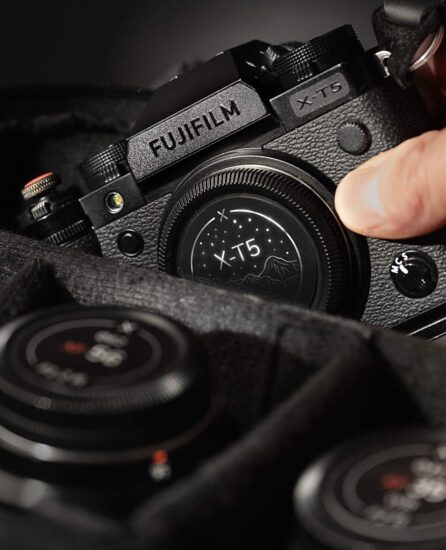
FieldMade released new stealth labels for Fujifilm X cameras:


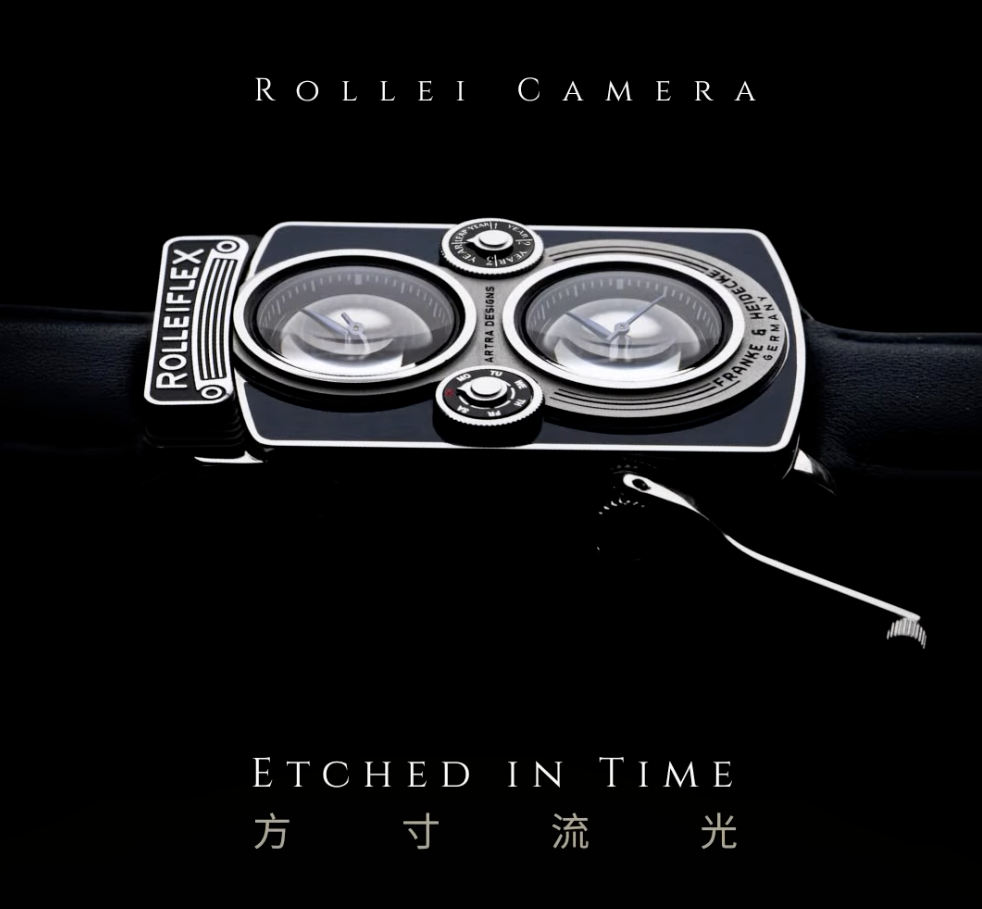
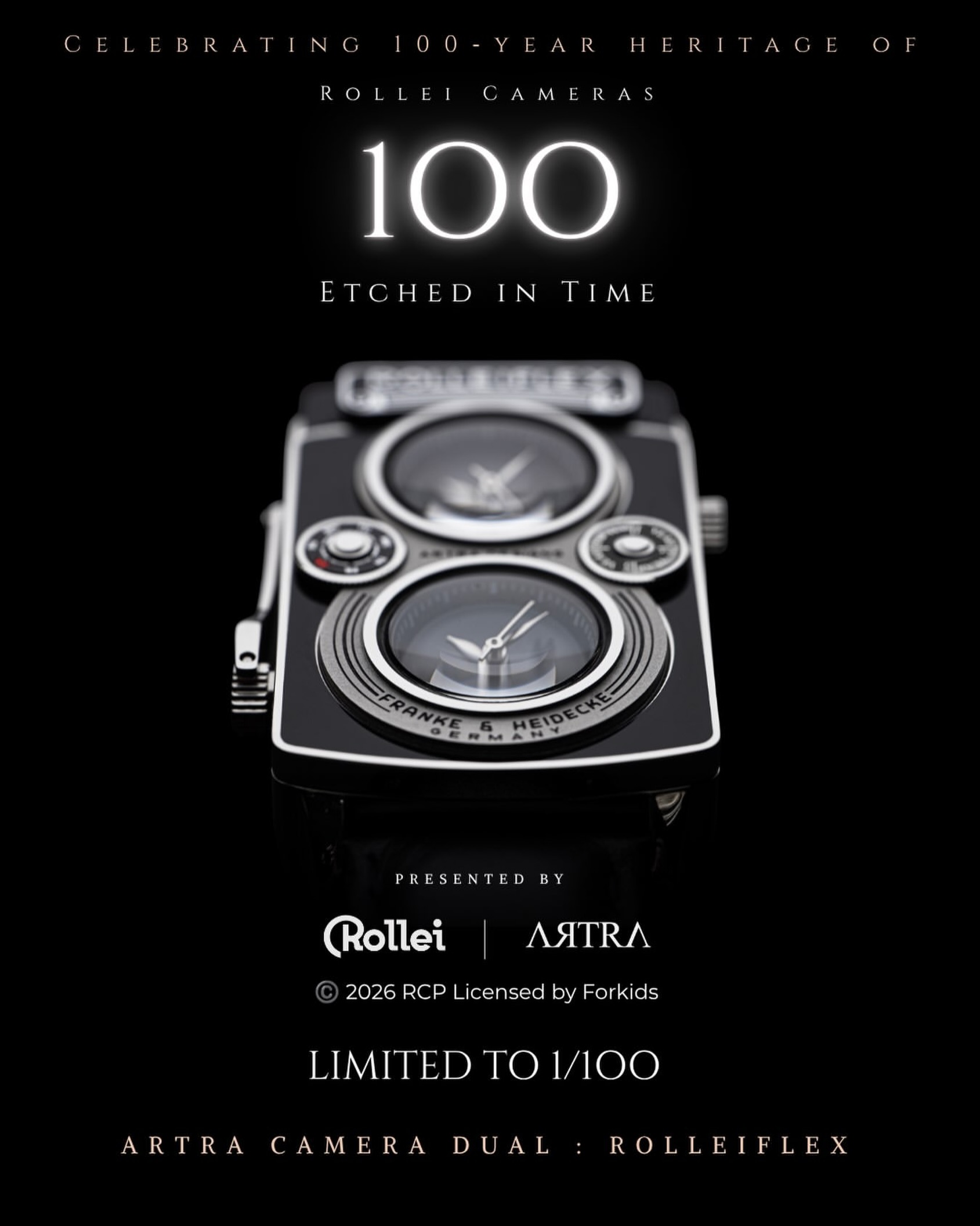
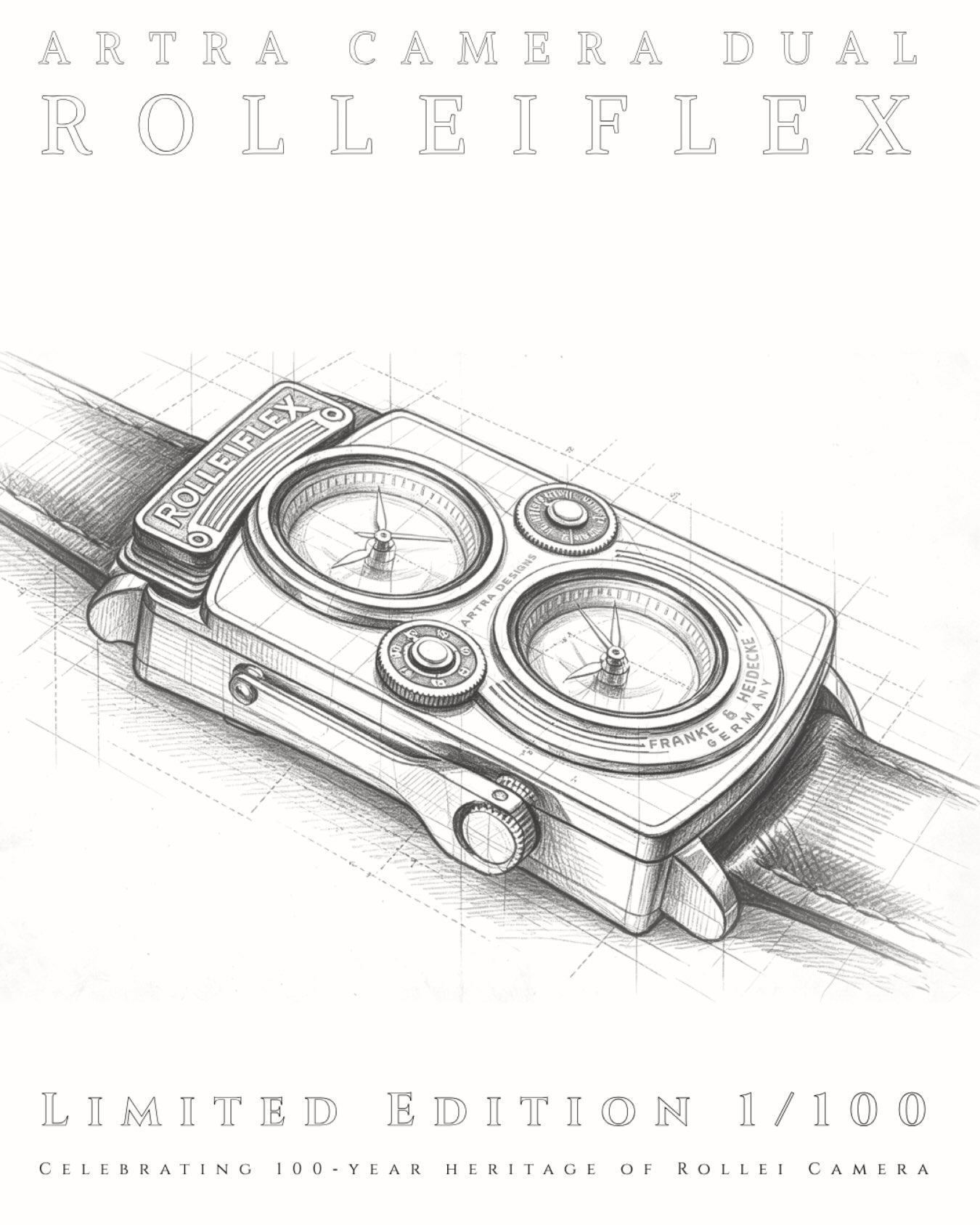
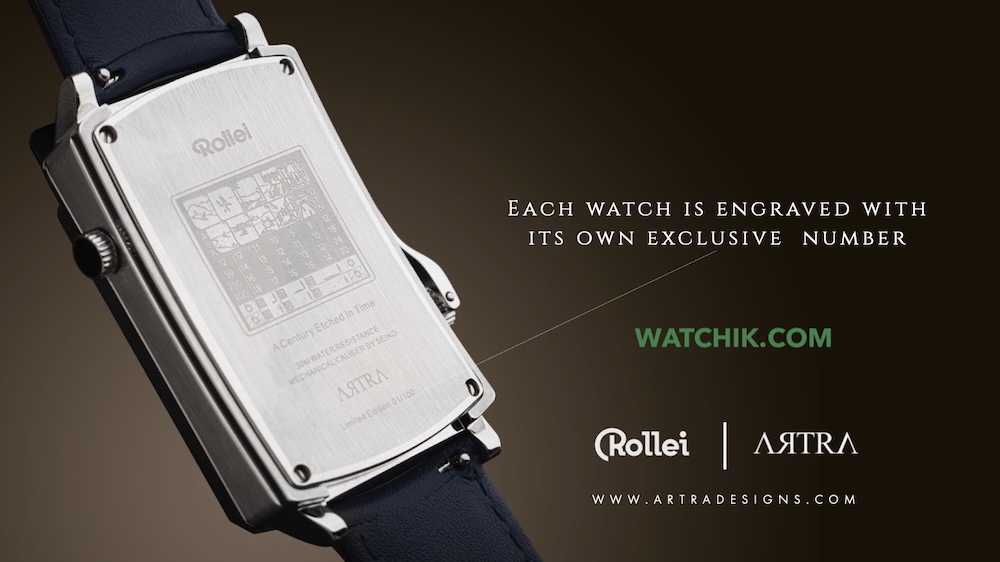
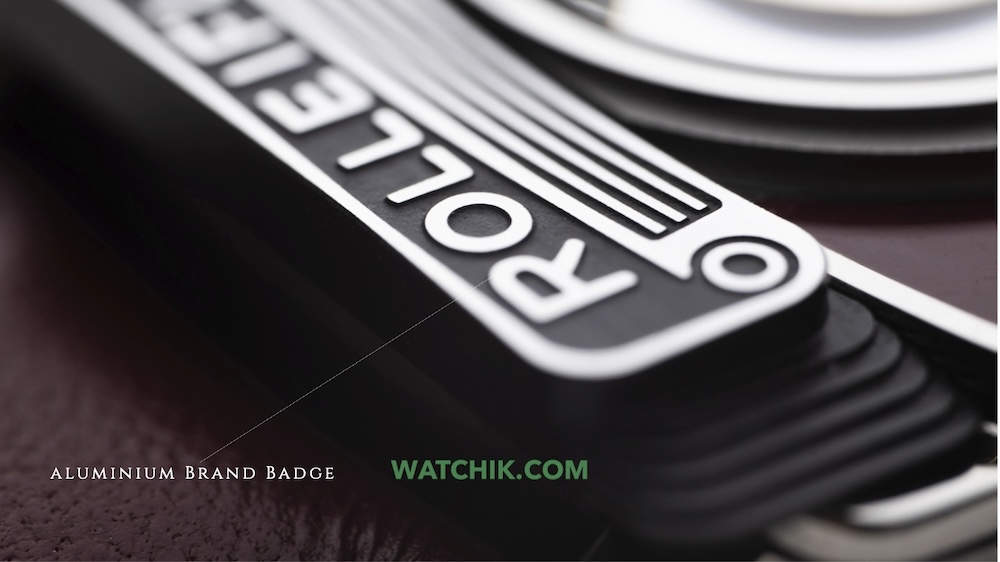
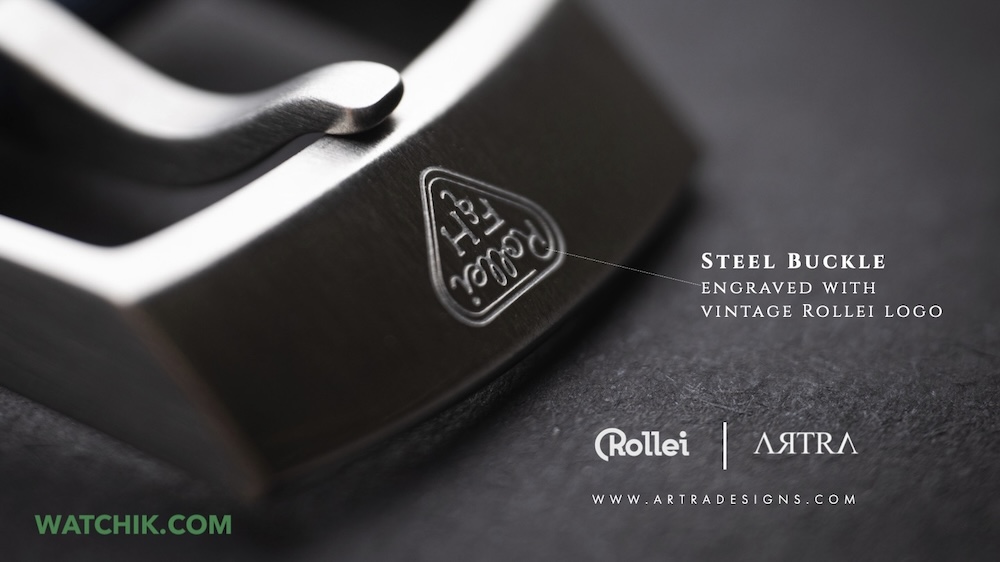
Artra Designs (the company behind the Artra lenses that are sold at B&H Photo and Amazon) will soon release a new Artra × Rolleiflex Camera Dual watch for photographers.
Artra already had the Camera One photography-inspired watch that was recently upgraded with a new movement:
The Artra Camera One photography-inspired watch got updated with a new movement
Use coupon code LEICARUMORS to get a discount when you order from Artra Designs’ official website.
Here’s what we know so far for the upcoming Artra × Rolleiflex Camera Dual watch:
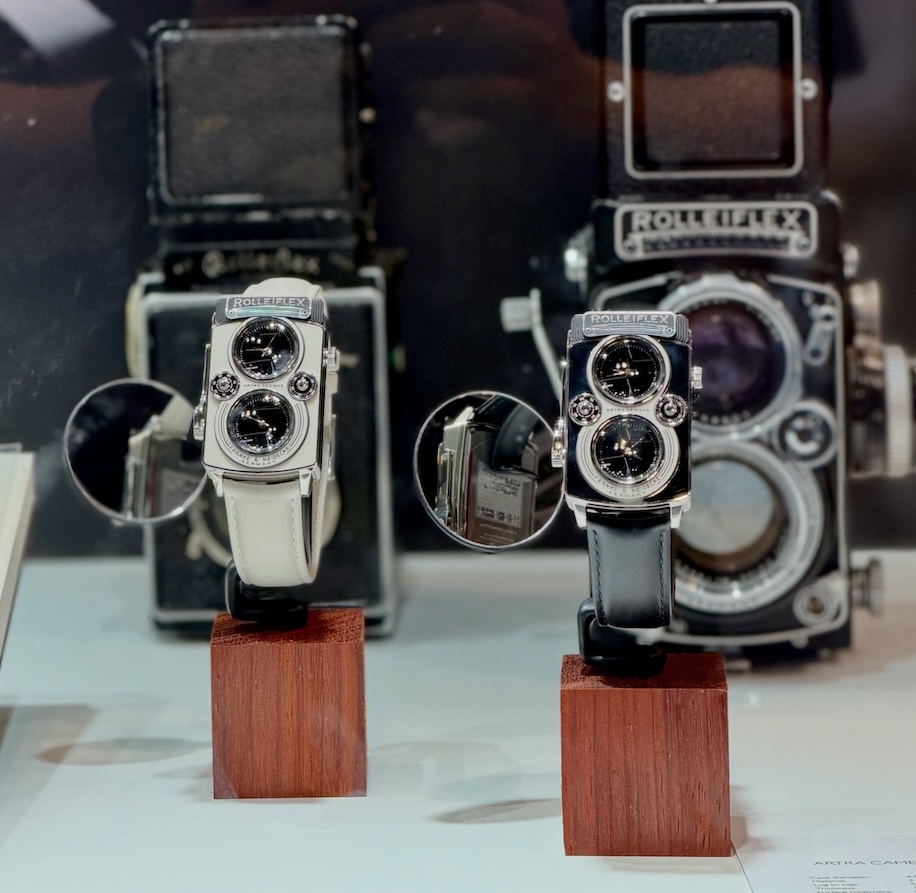
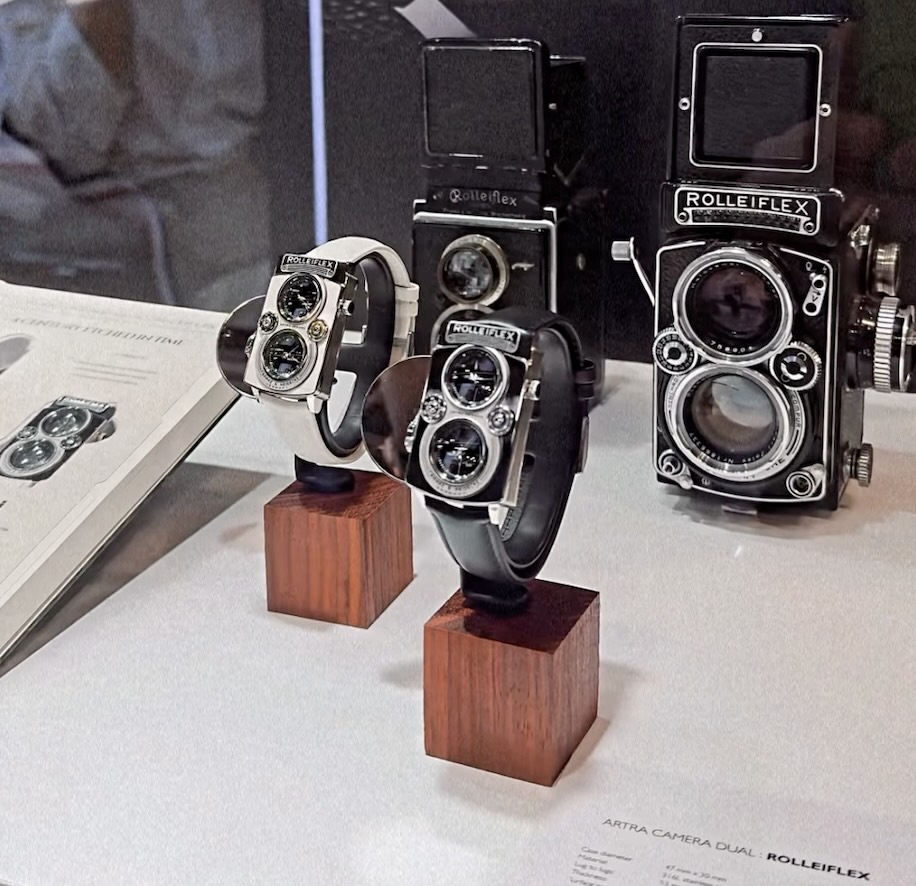
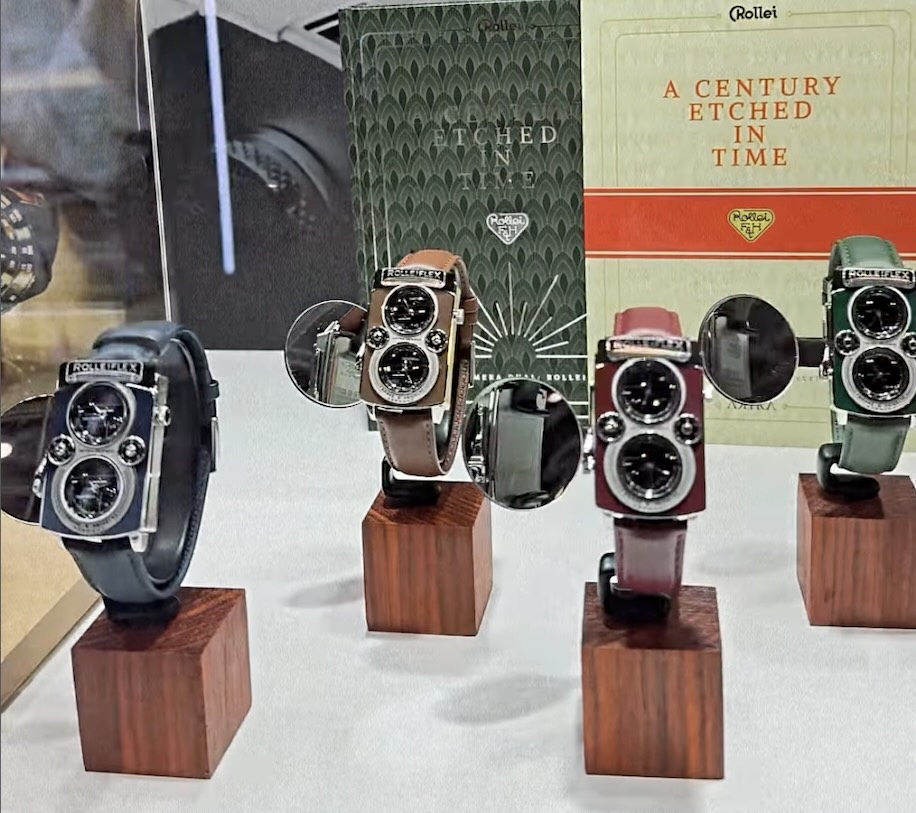
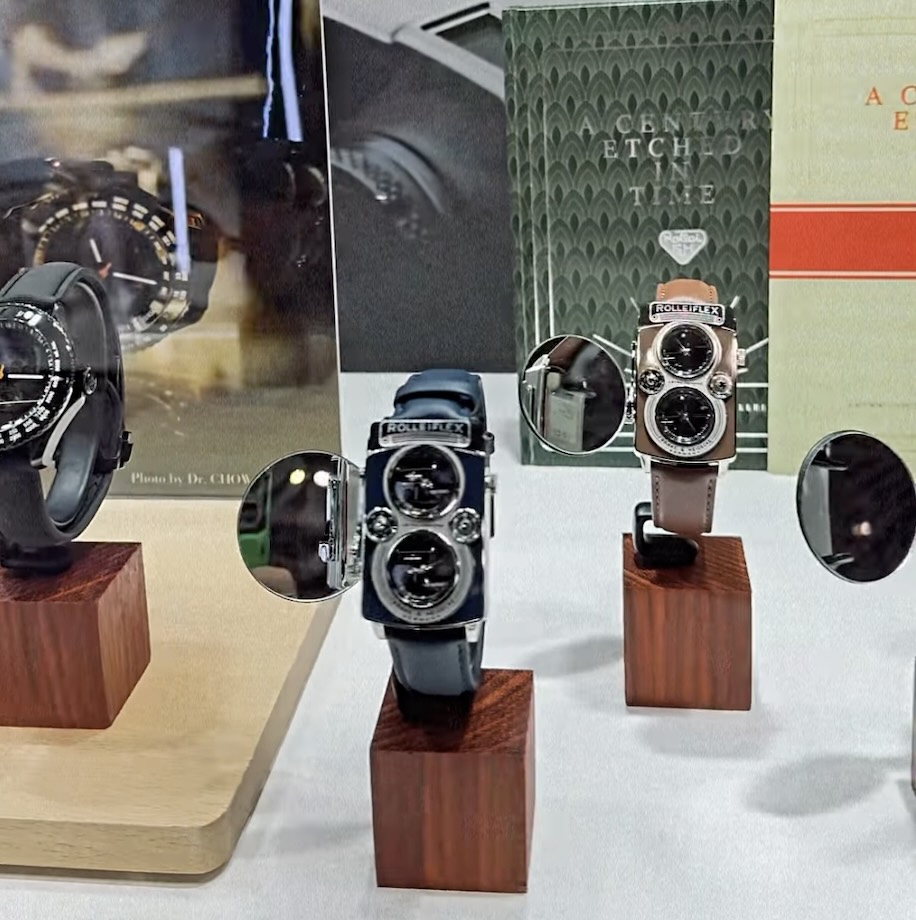
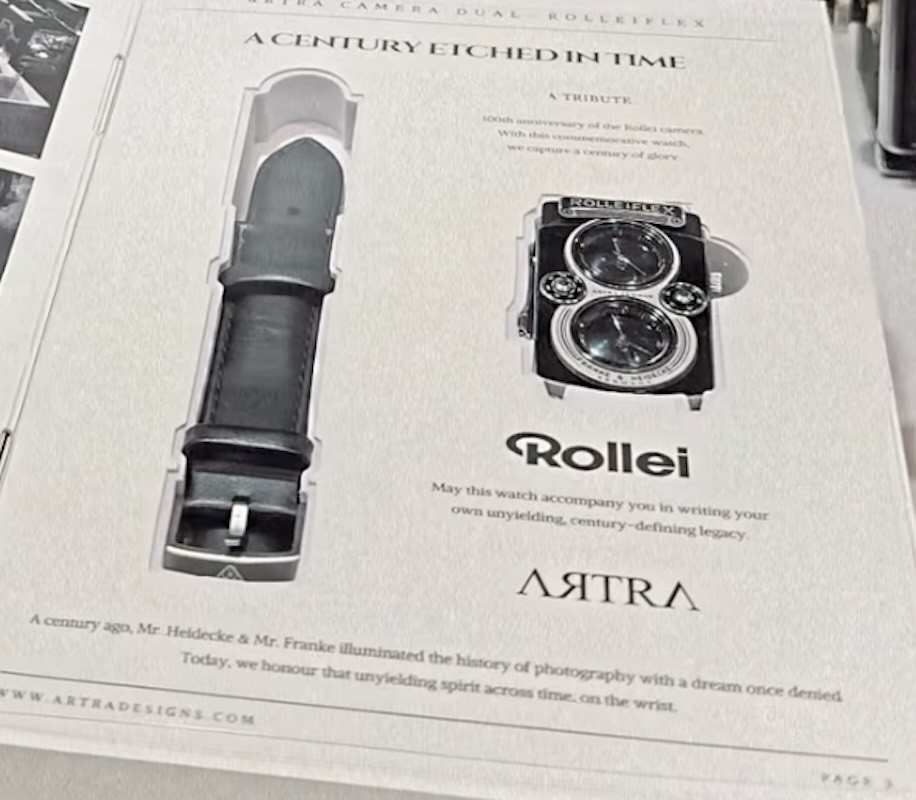
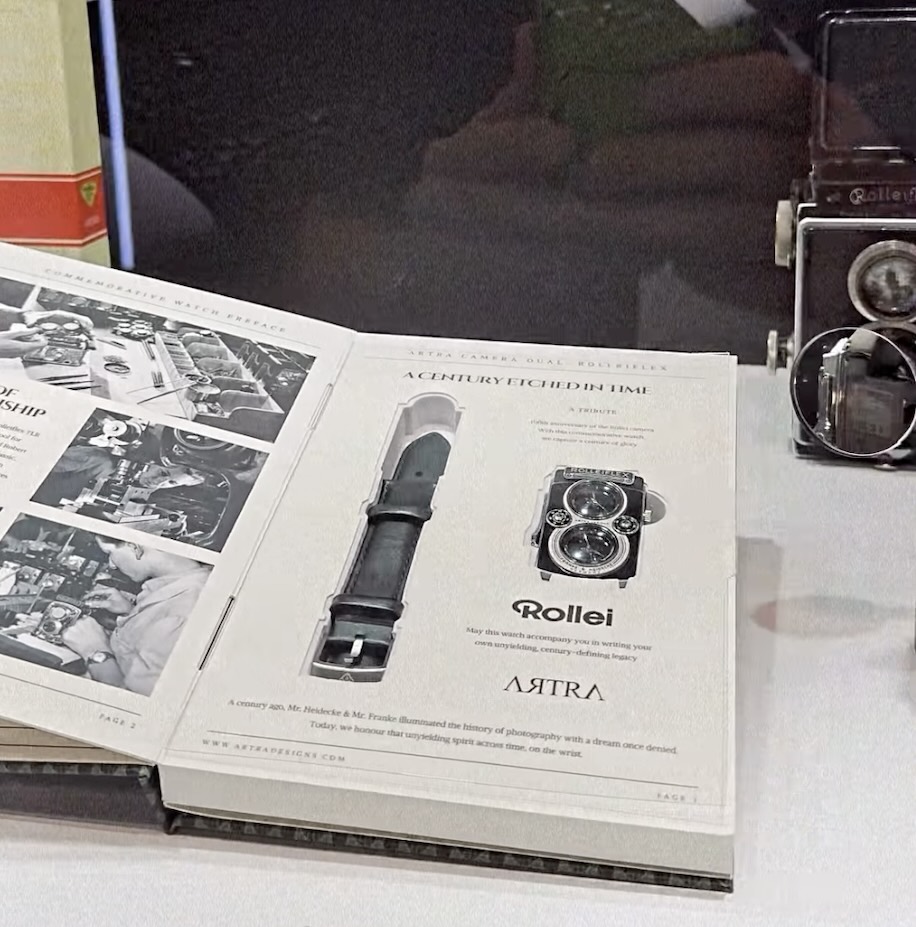
Additional information on the new Artra × Rolleiflex Camera Dual watch can be found at watchik.com:

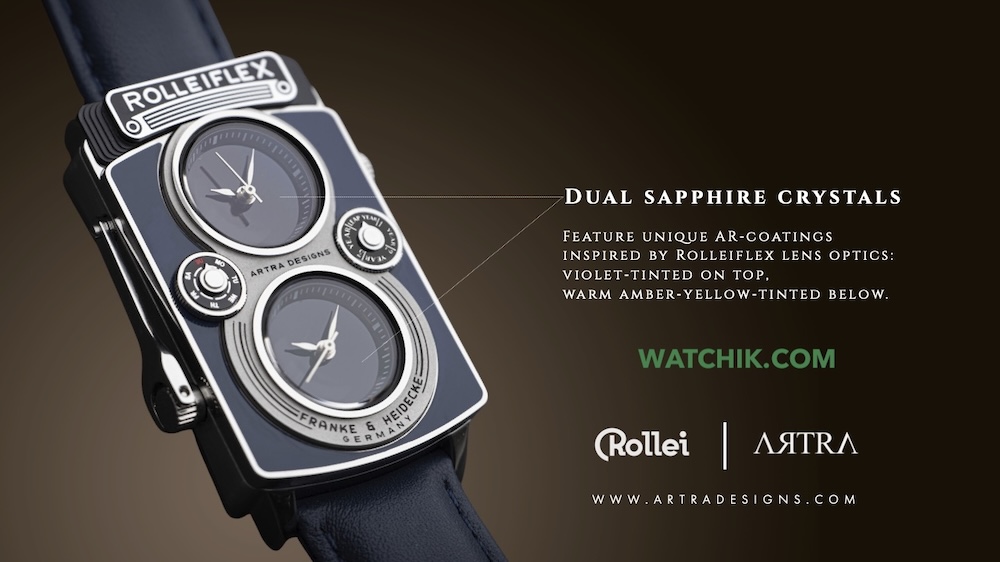






Thypoch announced a new Simera-C 100mm T1.9 full-frame cine prime lens for Sony E & Leica M mounts:
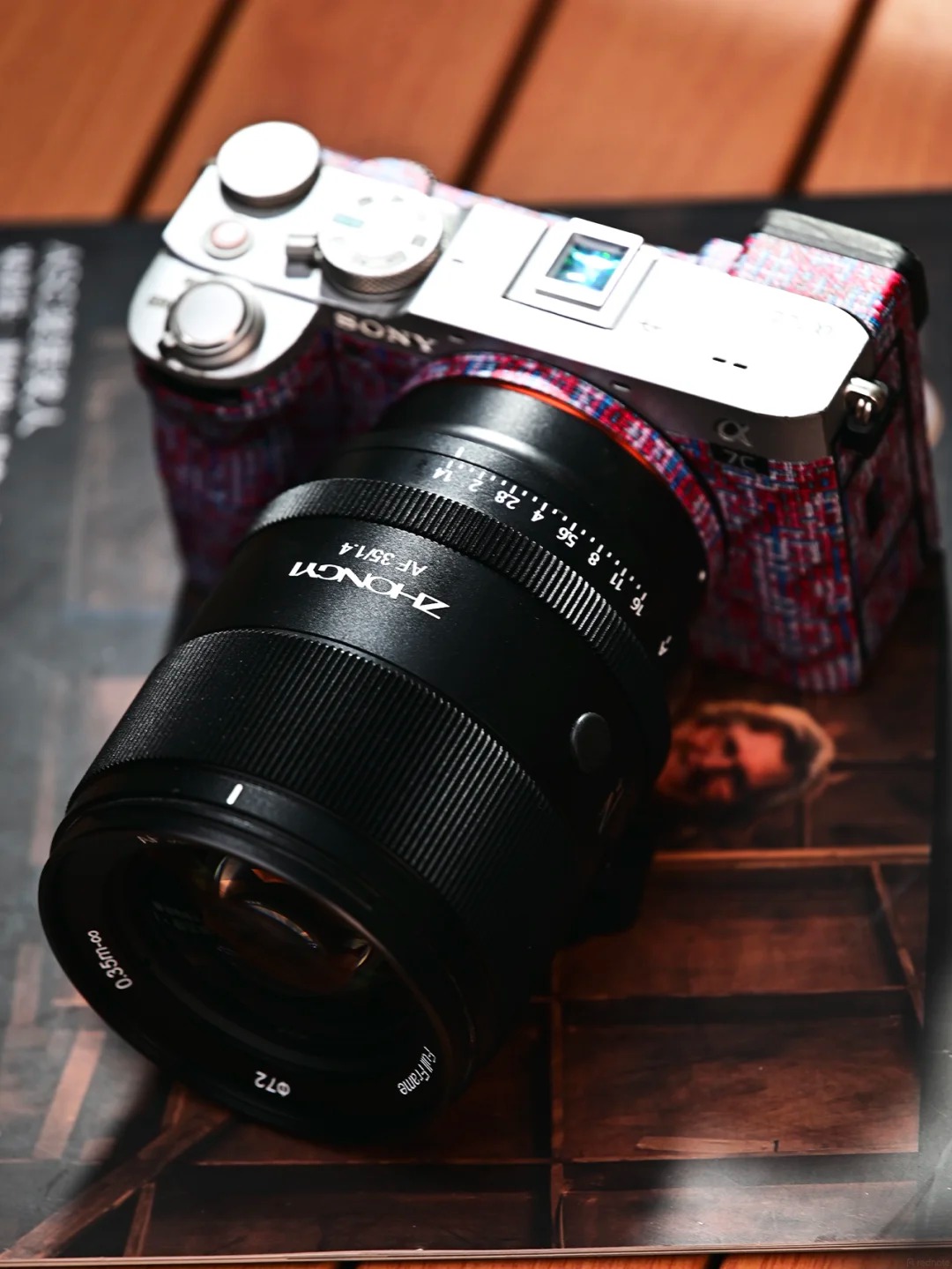
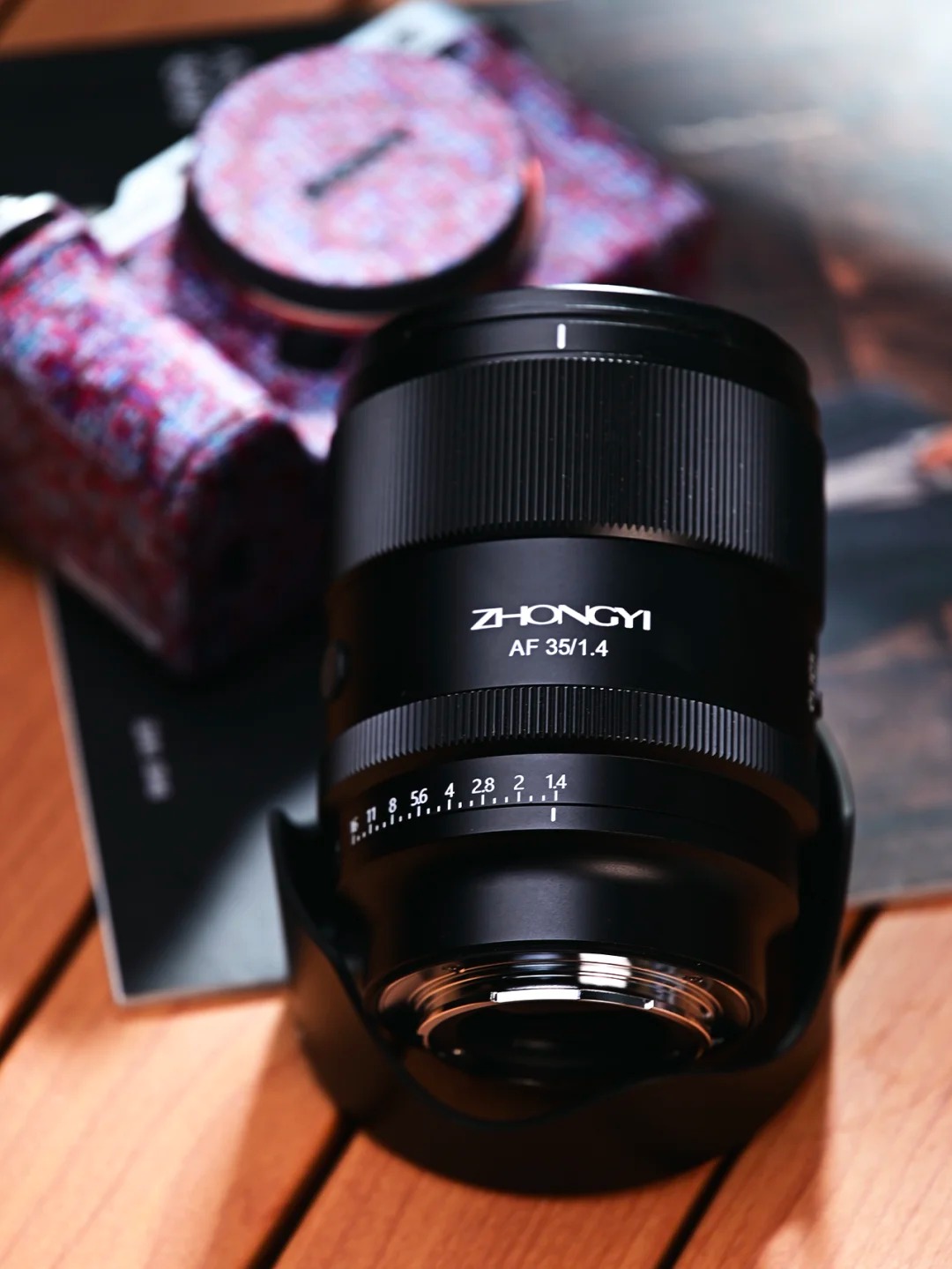
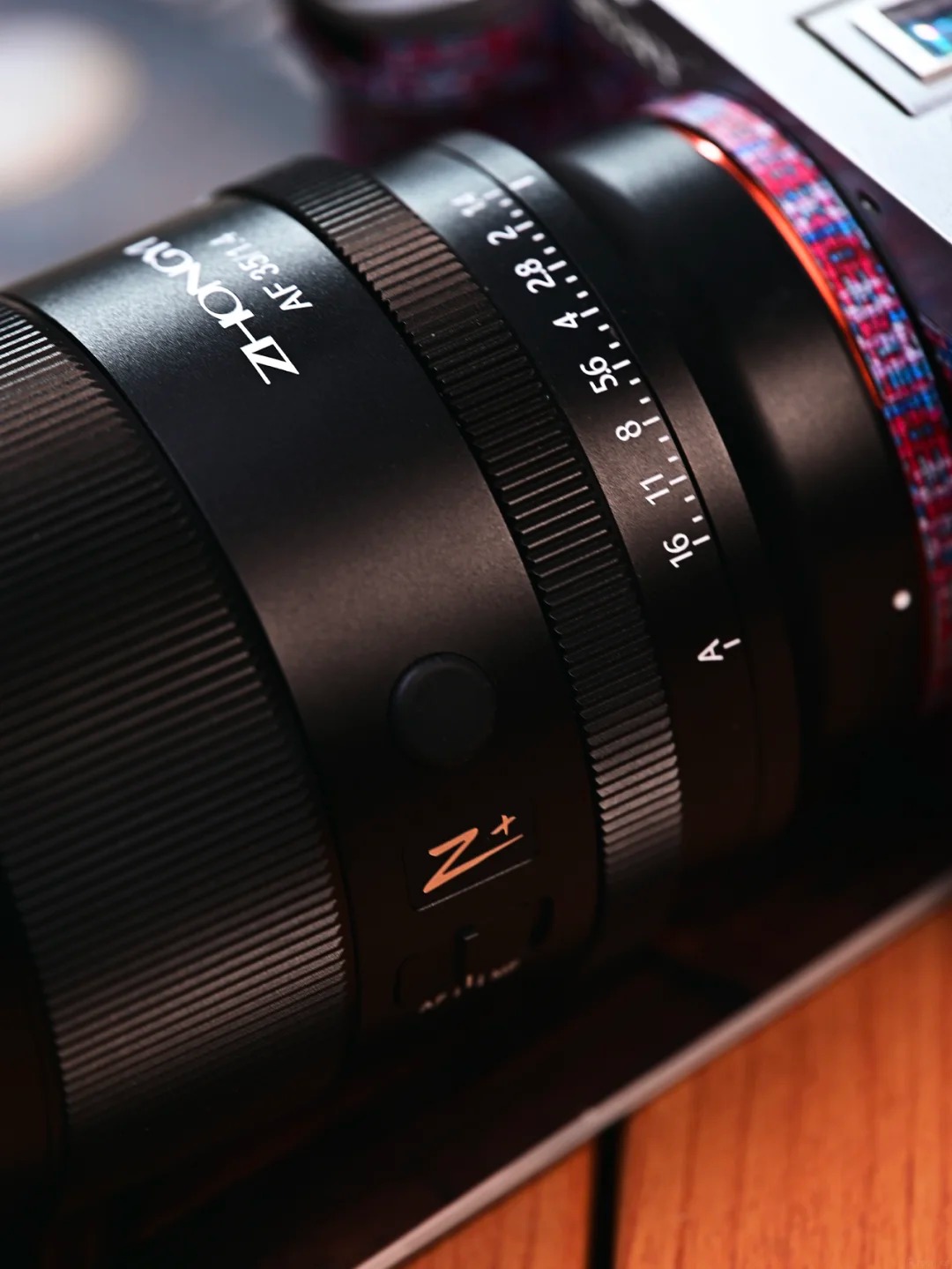
The previously reported ZY Optics (Zhongyi) AF 35mm f/1.4 lens will be announced on October 25th with a price tag of aprox. $450:

Check the official website for updates. Sample photos from the new lens can be found here:


The SG-image AF 35mm f/1.4 Legacy APS-C lens (X/E) was already on display at various shows in China. The lens is now officially released and available for order (coming soon to Amazon). The key features are listed below:
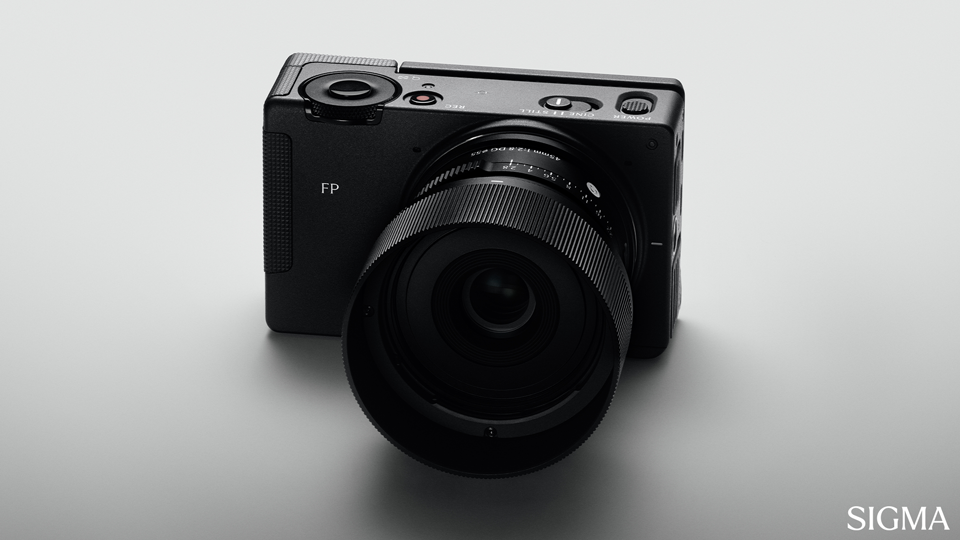
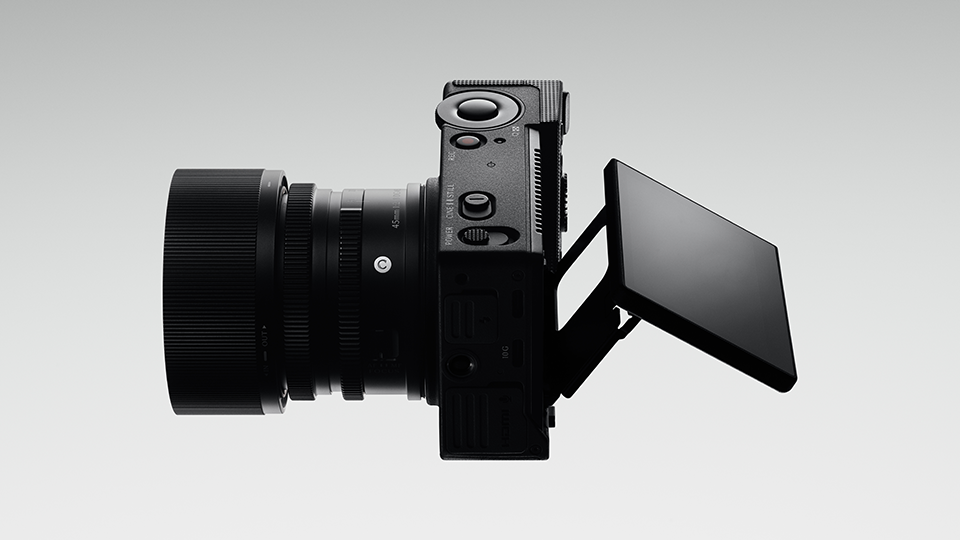
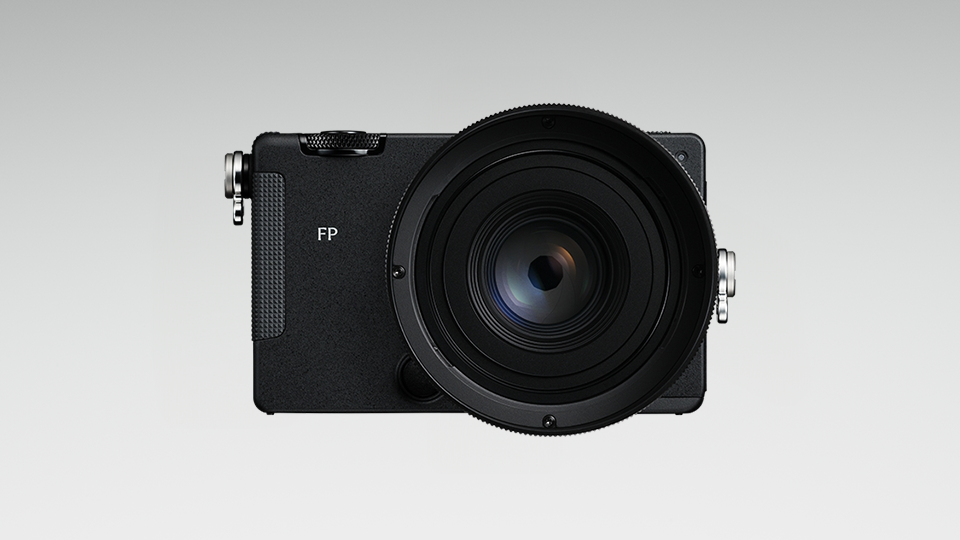
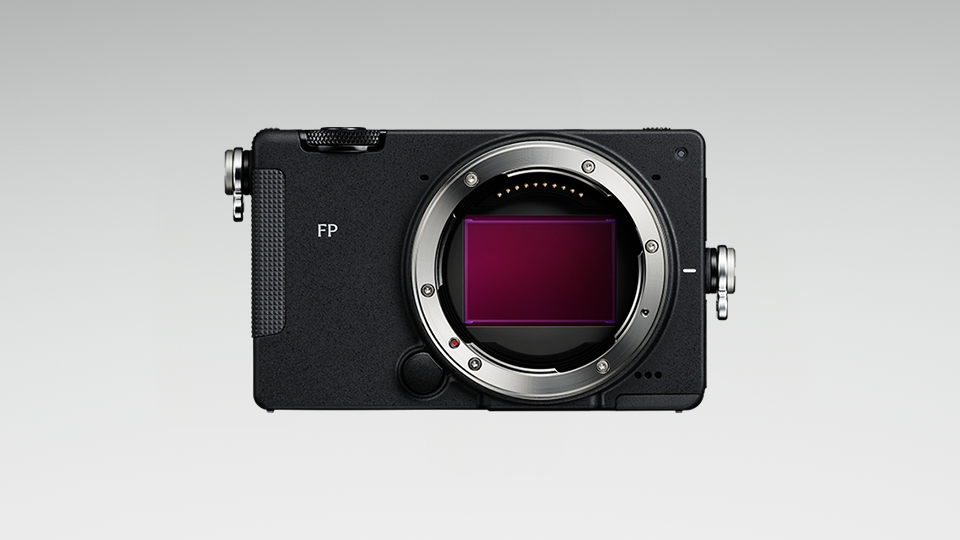
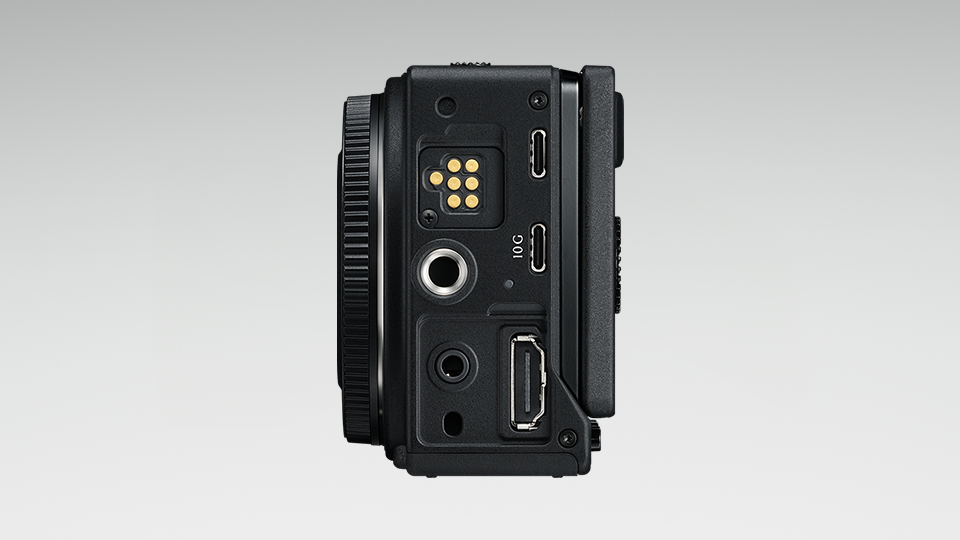
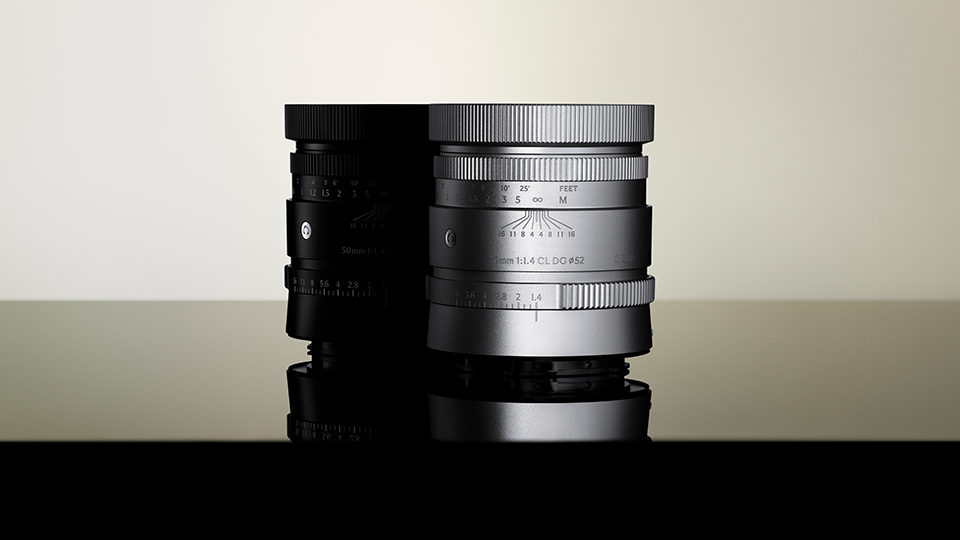
The previously rumored Sigma fp II camera with new accessories and the 50mm f/1.4 CL DG Contemporary lens has now been officially announced:
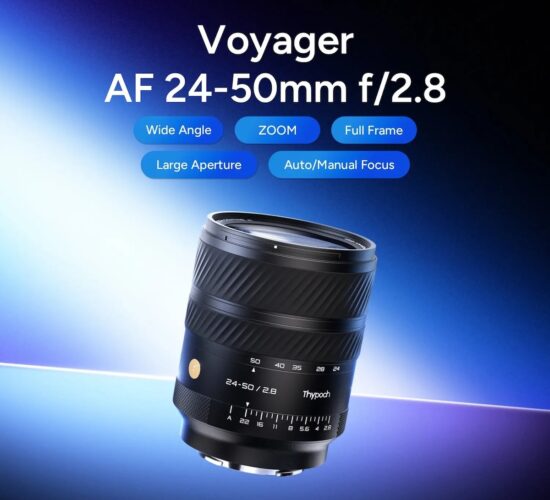
The Thypoch 24-50mm f/2.8, the first Chinese full-frame autofocus constant-aperture zoom lens, will soon be released also for E/X/Z/L/RF mounts (E-mount already exists) – the test page was already spotted online:
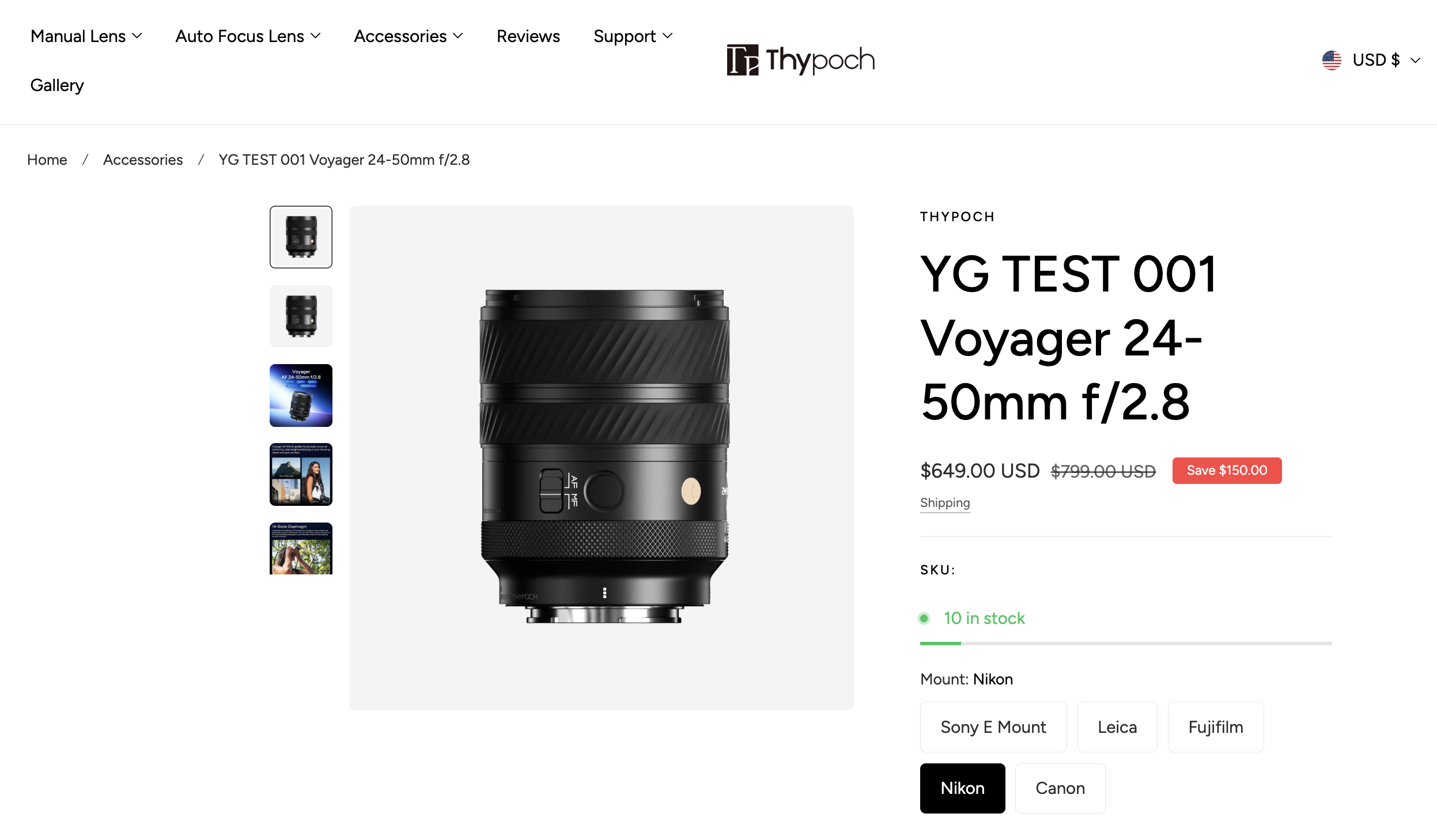
Additional information on the Thypoch 24-50mm f/2.8 lens can be found here – see also the details at B&H Photo and the official Thypoch website: